Hi all,
I have just uploaded by tutorial to YouTube as a part of last weeks challenge. It is a super-quick and painless tutorial of photoshop that briefly explains working with layers and masks. I made it with "Snapz Pro X" and then edited it in iMovie. In the future, I would like to use Adobe Captivate, which is a free program specifically designed for these types of video tutorials, but it is only compatible with really up-to-date versions of Mac/Windows.
I do not know why a small part of the top of the screen cut off when I converted it to imovie, still trying to figure that out.
EDIT: I have figured out why the screen cut off and have uploaded it now, so it should be easier to follow.
Wednesday, March 2, 2011

Tuesday, March 1, 2011
Keyboarding Tutorial
Hey guys,
Here's my youtube tutorial. It covers keyboarding and basic computer components.
Yes, I made the music myself. Beep beep beep beep beep beep beep beep.
Here's my youtube tutorial. It covers keyboarding and basic computer components.
Yes, I made the music myself. Beep beep beep beep beep beep beep beep.
Challenge # 2.10: Link It
The Tutorial Challenge was a huge success ! A great resource to have for our CAP sites. Consider making more if ever you're looking for something to do ! *Just waiting for the final postings to announce the winner*
This week, in spirits of the upcoming Documentary release, we want you to spread the word.

Create a visual (i.e. photo & text mix) link to the documentary page. www.hrcap.wordpress.com to display on your CAP site/community/blog homepage.
Very simple, very fun!
As always, post your products here before next Tuesday! (And make sure to display it as a link on your site)!
Friday, February 25, 2011
St. George's Youthnet C@P Site!
 |
| Jess and Melissa, c@p Interns! |
 |
| St. George's Youthnet c@p Site |
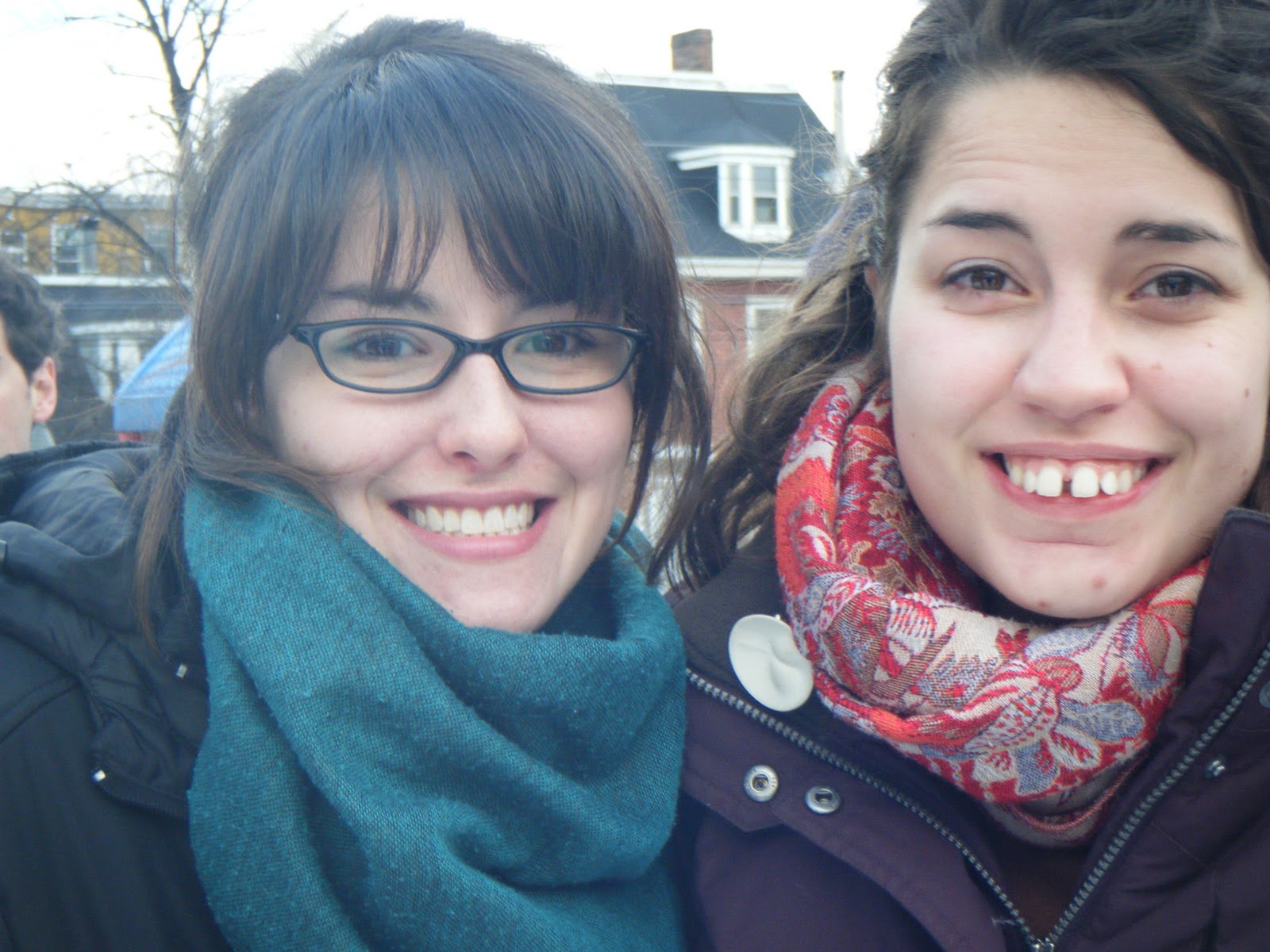
The past two weeks have been the Youthnet Camp for the kids who are out of school right now. This week has been a culturally themed week where each day has a new country's theme. The kids have been great in c@p site, we worked on basic html web design, uploading photos to the computer, creating a blog for the kids at Youthnet and photo editing in photoshop. All the kids have been so fantastic and receptive to all that we have been teaching them about. We're looking forward to working with all of the kids in the c@p site over the next month!
Below is a link to the blog that we've been working on with the kids. They've been having the opportunity to pick a photo of their choice and then upload it to the blog with their own caption.
c@p Kids at St.George's Youthnet!
Thursday, February 24, 2011
Picnik for Seniors
Here's my submission for the challenge - first attempt at video-editing! I've had some questions here about photo-editing so I decided to make something for Picnik going over some common functions like red eye, cropping etc. It's directed more towards seniors but anyone who isn't familiar with more advanced programs like Photoshop or GIMP may find it useful.
New graphing technology
Now that Google has scanned over 10% of books ever published, you can graph the occurrence of difference words of your choice from 1400 to present day. It's called the Ngram Viewer (ngrams.googlelabs.com). It shows some really interesting relationships between words.
Here's one that shows an inverse relationship between science and art throughout history, up until now, where science and art seemed to have stopped becoming so mutually exclusive. Here's a funny one comparing jesus and google (for better or for worse!). It lets you see the raw data too.
Here's one that shows an inverse relationship between science and art throughout history, up until now, where science and art seemed to have stopped becoming so mutually exclusive. Here's a funny one comparing jesus and google (for better or for worse!). It lets you see the raw data too.
Tuesday, February 22, 2011
Challenge # 2.9: Youtube Tutorial
Thanks to Matt, Glen, and Shona (her post is coming later today) for the Sketchup buildings! I admire your talents and patience... my buildings have always ended up looking like nightmarish rectangles. You all get a point on the Challenge scale!
On that note; all of Dan's tutorials have been very helpful for us amateur Sketchup-ers. Recording oneself complete a computer task is actually a genius idea.

So, for our next challenge, that's the goal! Record and edit a tutorial for our Youtube Channel.
It can be for any level of computer learning, any skill, any program, etc.
Use a free trial of your choice of Camtasia, Hypercam, or any other Video Capture program to record yourself in action. You don't need to worry about perfection, or getting it all in one take, because next you will be able to edit it.
Once you have your footage, e-mail me, and I will give you the sign-in info for our YouTube account. From there, you can clip, merge, and add text to your footage.
I really hope that this challenge takes on! It would be awesome to have some short, easy tutorials for training sessions up on our page!
Spencer House Sketchup
Hey! Not sure if this is A+ material, but I played around with it and here's what I came up with. For now, it does not like quite so realistic because although I was able to grab the photo texture for the roof, I could not do it for the pale building walls because there was a tree in front of it! Nonetheless, here it is:


I am still going to work a few kinks out before I add it as a location for google maps.
For example, the side here is triangular, and I don't know why!
Monday, February 21, 2011
Google Analytics
Hi all,
I started using Google Analytics on the Spencer House website last month, and it's pretty useless at first, but now that there is a longer timeline, it is starting to show some interesting patterns.
For example, almost all the hits that our website gets is on weekdays. I am pretty sure it is because most of the hits come from the C@P site, and it's closed on weekends. This goes to show how inter-reliant the C@P site and seniors centre are. Sometimes there will be 15 hits on Friday, then none at all on Saturday. The graph is unique hits only. Here it is below -- the yellow dots = weekends.

Saturday, February 19, 2011
Keshen Goodman C@P Library Video
Hey,
So I played around with the flip cam to make this short video just giving a little tour of the Keshen Goodman Library. There's some shotty camera work on my part, but for doing it on my own I thought it was pretty good! Don't laugh too much, lol.
Lyndsay
Link Broken
Also, I made it with i-movie. Just wondering if theres any way to export it. I only could see the option to upload it to my youtube account, but maybe one of you guys knows the trick to saving it. And no, there's no File>Save option.
Friday, February 18, 2011
First Creation with Sketch-up
Here is my first creation with sketch-up. It's my junior high school that I went to. I would have done my CAP site but street view was done when the old Empire Theatres was here so it looks very different. Maybe someday I'll take my own photos of the building and try to sketch it that way. It took me a couple hours to get used to the tools and make this. It wasn't too bad since it was only a couple rectangles and minor push and pull. This is addicting though - I'll think I'll definitely be doing more in the future (hopefully much better looking when I get practice!).


Prospect Road Community Centre Premiere Screening
I wanted to see if anyone out there will need a ride to the screening on March 6th...
Jeremy will be leaving from the Chester area and will likely have 3 seats
I am leaving from North End Halifax and we will have 3 seats
Karen will be leaving from Cole Harbour and she will have 3 seats
If there are enough interested, we will look into renting a van. Please try to carpool as much as possible :)
Thank you, have a great weekend everyone!
Joanne

Wednesday, February 16, 2011
Our Commercial
Here it is, the final product!
Pretty good for on a small camera, with a small amount of time!
Congrats to all who participated, you're famous!
'Intern Interviews' are also now live on our Youtube channel, so check them out while you're there! They'll make great advertisements for our Summer jobs!
Pretty good for on a small camera, with a small amount of time!
Congrats to all who participated, you're famous!
'Intern Interviews' are also now live on our Youtube channel, so check them out while you're there! They'll make great advertisements for our Summer jobs!
Tuesday, February 15, 2011
Cole Harbour Place
Hey all, here is something I whipped up, which is where my C@P Site is located, Cole Harbour Place.

And here's the adjacent Cole Harbour High School:
 And finally the Pope John Paul XXIII Church in Cole Harbour:

Subscribe to:
Posts (Atom)